AWS Modernization with Datadog > Monitor the Application > Module 4.2: Monitoring the Application > 4.2.1 Starting to Monitor the Kubernetes Workload
4.2.1 Starting to Monitor the Kubernetes Workload
There are lots of places we can start to learn about our application. The Containers view is a wonderful source of information about all the containers in your environment, regardless of where they are running. They could be running in Docker, Kubernetes, EKS, EKC and anywhere else.
- Navigate to https://app.datadoghq.com/containers?sort=container_name%2CASC. This shows us all the containers running in our cluster. Scroll through the list and see if you recognize some of the container names.
- Click on one of the containers and try out the different options.
- Switch over to https://app.datadoghq.com/process. Here we see a similar view from the perspective of the actual processes that run across all of our containers. And if your EC2 version of the app is still running, those processes will be here too.
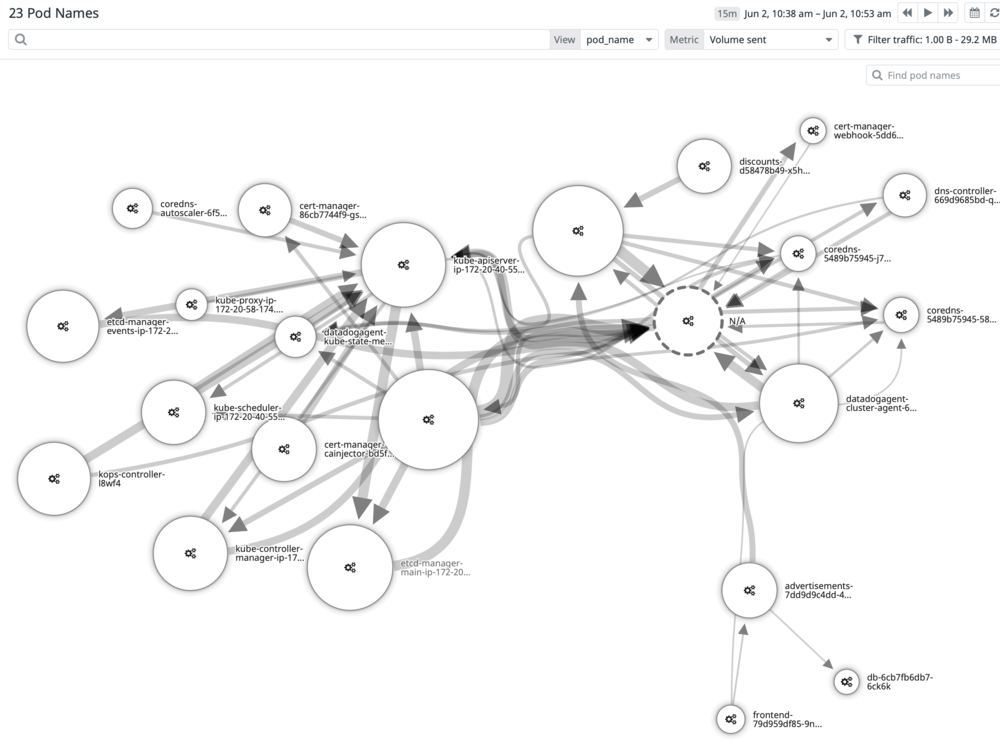
- Take a look at https://app.datadoghq.com/network/map. Its probably not very interesting right now. That’s because we are looking at how the different hosts are talking to each other. At the top there is a drop-down labelled view.
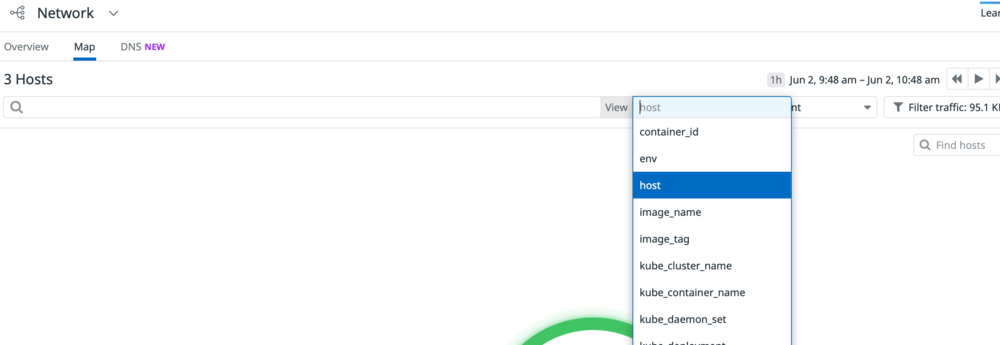 Change this to pod_name. This just became a lot more interesting: